
Move in order: materials → fields → demo
- Confirm Ready to Submit build
- Map privacy labels to SDK list
- Document demo login path
- Cover required screenshot sizes
Execution sketch
Build: Ready to Submit
Privacy: labels == SDK inventory
Notes: demo account + path
Assets: required device sizes
Related articles (internal links)
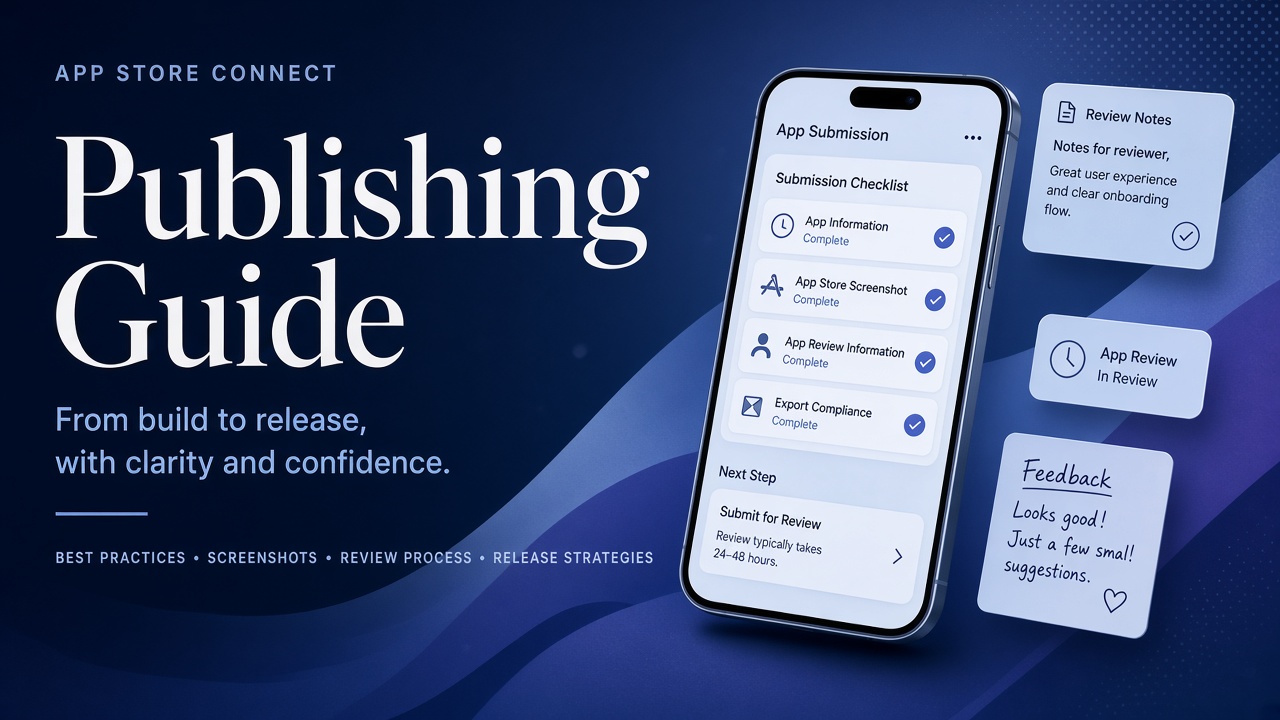
- App Store Connect version fields explained
- TestFlight before App Review
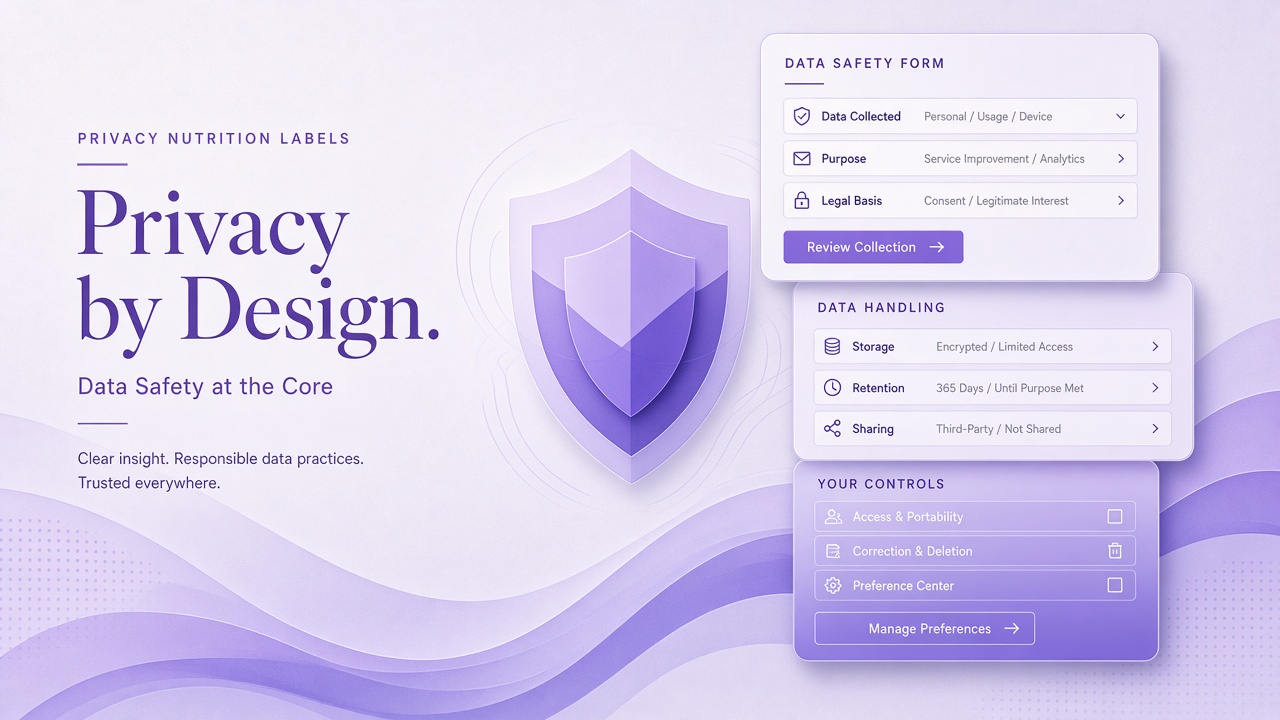
- App Store privacy nutrition labels complete guide
Services & navigation
Boundaries
GOEE helps with material pre-check, form alignment, and rejection documentation. No approval promise. No passwords or signing keys. Telegram @hagee66.
Formatting tip
Treat the code block as a pre-submit scratchpad: copy it into your project notes and check items before Submit.
FAQ
Do you guarantee approval? No. Stores decide. GOEE delivers materials, configuration, and documentation work.
Do we share passwords? No. Use member invites.
How should I use related guides? Follow the internal links: checklist → specialty topic → rejection notes.