
Guides
App Store
Metadata, privacy labels, TestFlight, review notes.
Google PlayPrivacy complianceData SafetyApp reviewPublishing checklists
App Store first submission checklist (2026)
Practical first-submit checklist for App Store materials, privacy labels, and demo path. No approval promise.
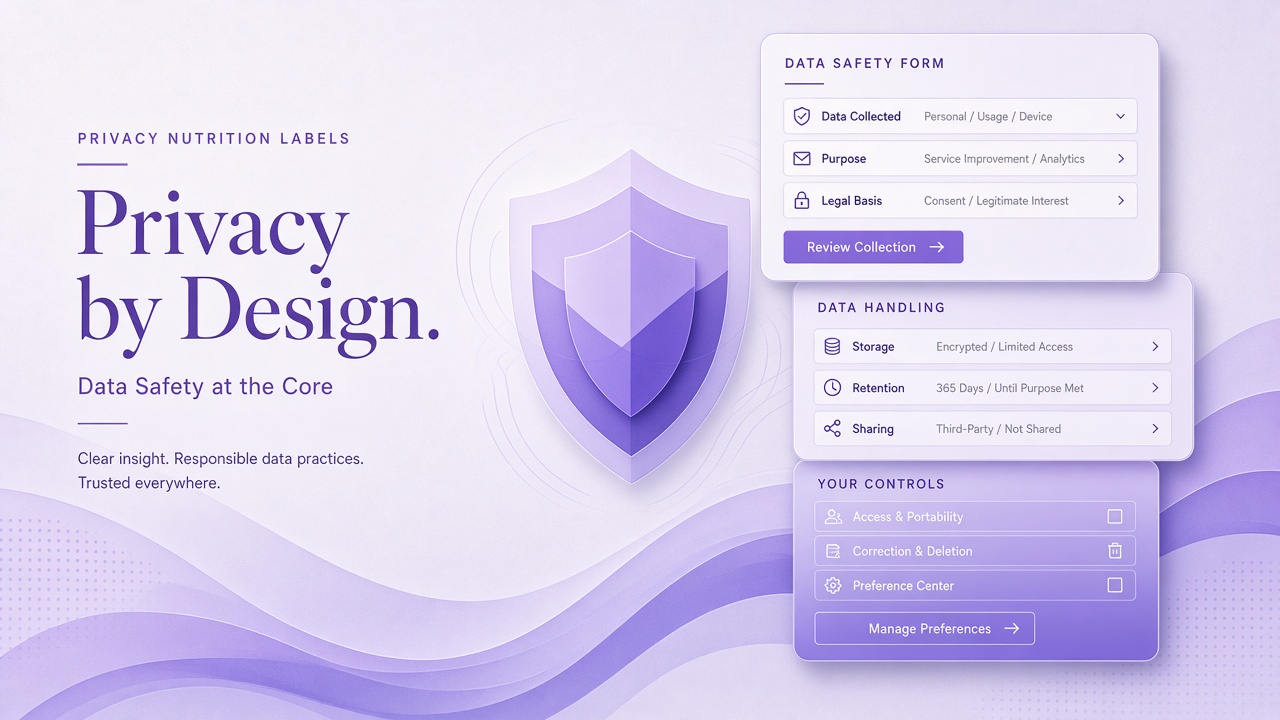
App Store privacy nutrition labels complete guide
Map nutrition labels to real SDKs—data types, linked-to-user, and tracking—without checkbox guessing.

TestFlight before App Review
Use TestFlight to validate build consistency, login path, and crashes before App Review.
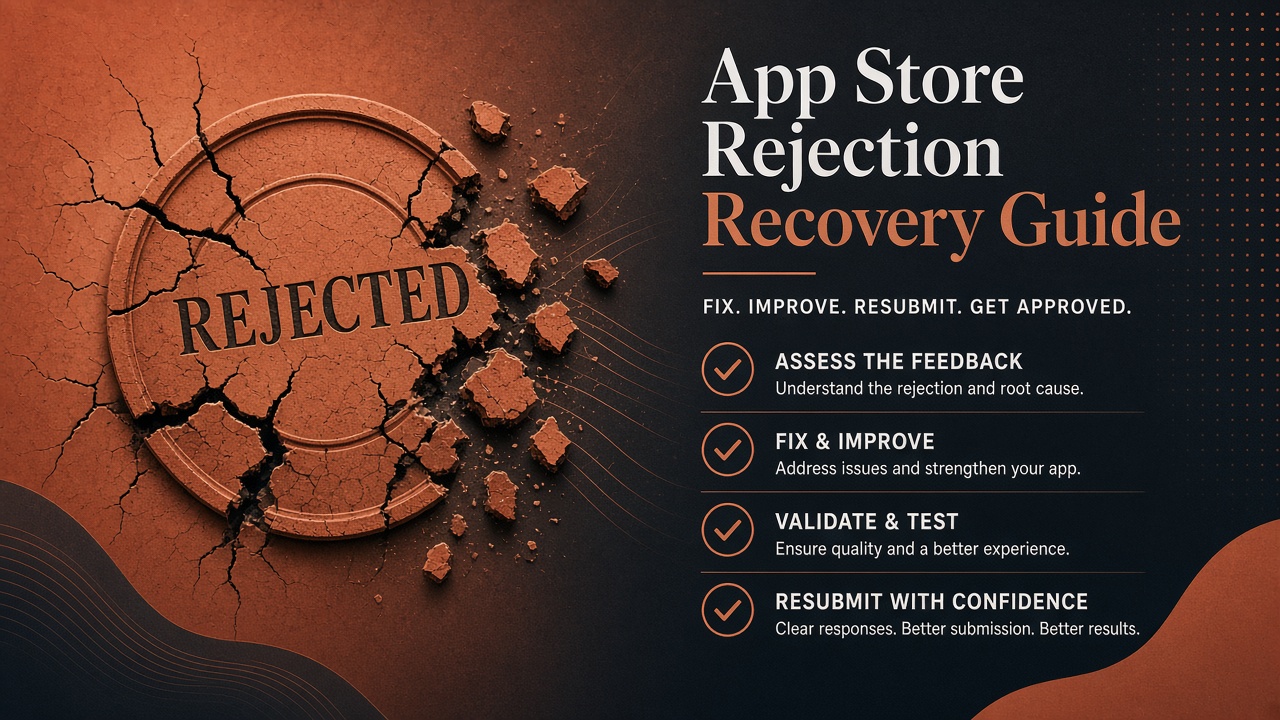
Guideline 2.1 rejection fix plan
Prioritize 2.1 fixes: demo failures, crashes, incomplete information—then resubmit deliberately.
Guideline 5.1.1 data collection rejection handling
Fix 5.1.1 issues: permission purpose strings, data minimization, and label/behavior consistency.
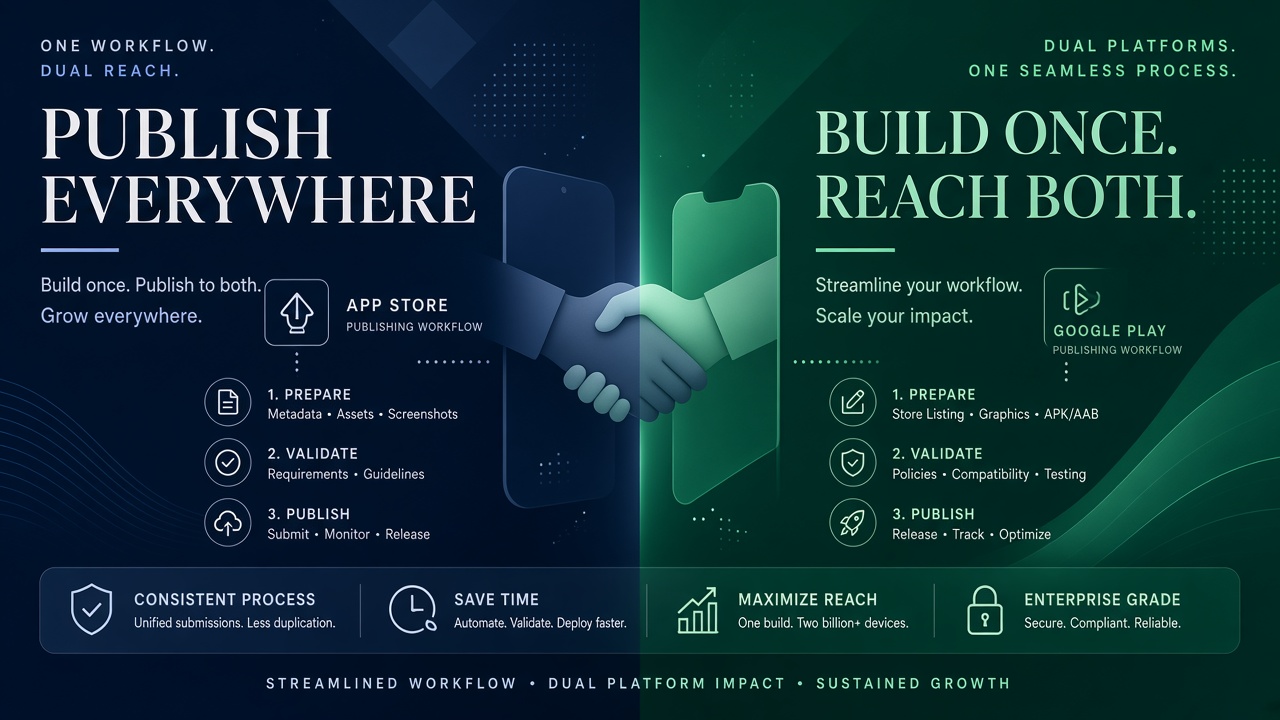
Dual-store publishing workflow
Share product story and privacy facts once, then land Connect vs Console differences deliberately.
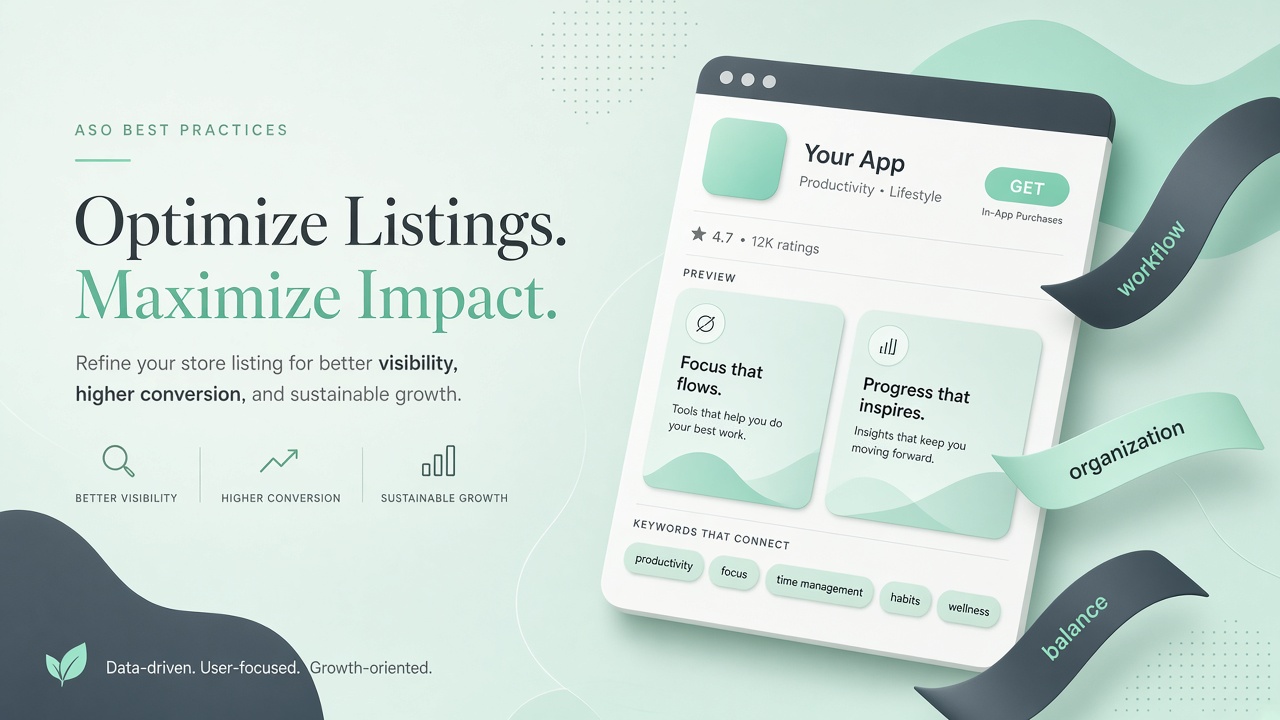
ASO title / subtitle / description strategy
Structure titles, subtitles, and descriptions for clarity—no ranking guarantees.
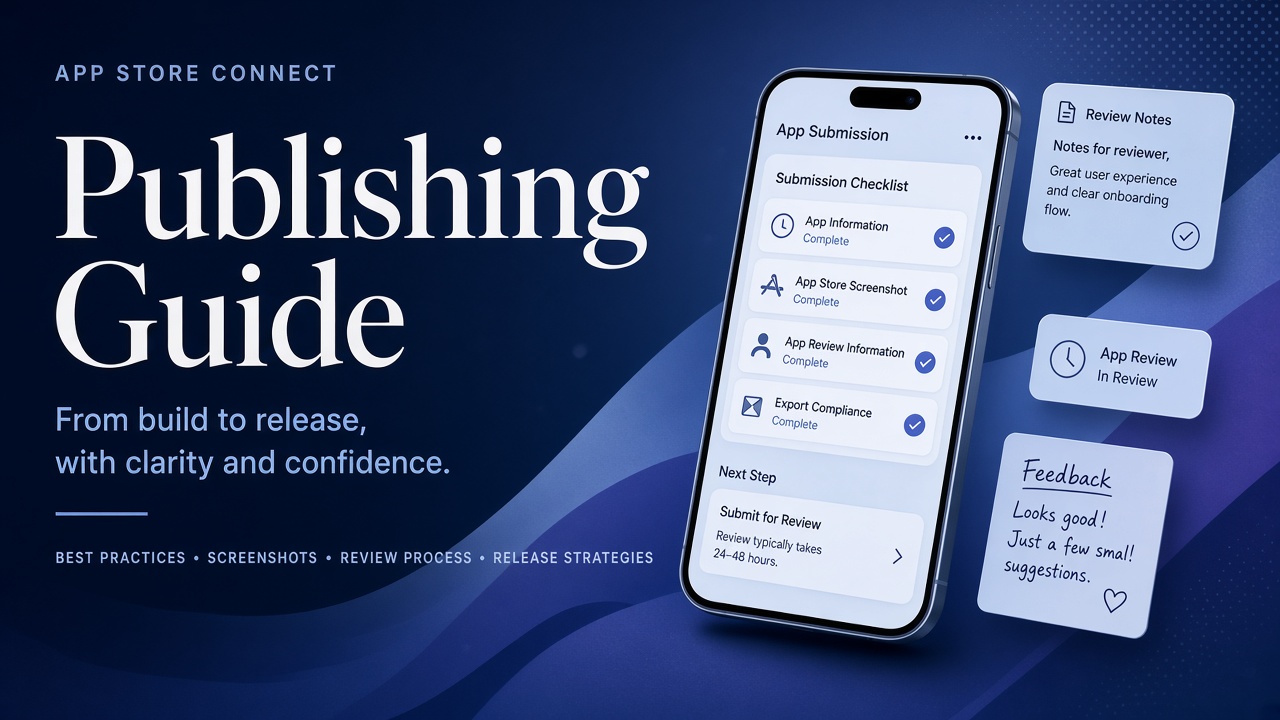
App Store iPhone screenshot specs guide
Required iPhone sizes, ordering logic, and caption hygiene to avoid asset blockers.
Age / content rating questionnaire guide
Common traps in rating questionnaires: UGC, unfiltered content, IAP and ads disclosures.
Content rights and music assets for store submission
Handle music, media, and third-party assets with license proof before submit.

Demo account and login path for App Review
Prepare a stable demo account—avoid OTP dead-ends, geo blocks, and empty states.
IAP review notes and test paths
Document sandbox testing, product visibility, and restore-purchase paths for reviewers.
Developer account roles: Holder vs Admin
Clarify Account Holder vs Admin for agreements, submissions, and safe collaboration.
Collaborate via member invite—no passwords
Use member invites with least privilege. Never share passwords or signing keys.
Account security checklist for publishing
2FA, member audits, API key rotation, and isolating demo vs production accounts.
App Store resubmission notes template
Respond clause-by-clause, cite build numbers and material changes—no empty promises.
ATT and tracking SDK disclosure checklist
When ATT prompts are required, how labels reflect tracking SDKs, and policy wording.
App Store Connect version fields explained
Walk through What’s New, promo text, review information, copyright, and trade fields.
Store metadata localization guide
Localize titles, descriptions, and screenshot captions without drifting from binary features.
Complete App Review information checklist
What Apple asks for a complete review: concept, demo accounts, external services, hardware video, and regional differences.
Purpose strings for Guideline 5.1.1(ii)
Write purpose strings that name the exact feature—not vague “better experience” copy.
Permission pre-prompts: Continue, not Allow
Avoid 5.1.1(iv) traps: custom screens that say Allow before the system alert, or denied panels shown too early.
In-app account deletion requirement
If your app supports account creation, provide an in-app deletion path and document it for review.
App Store screenshot safe area and story order
Follow Apple asset guidance: safe areas, core UX, short captions—no prices or unverifiable awards.
One master, two store screenshot exports
Share one visual story; export Apple fixed sizes and Play aspect ratios separately.
StoreKit IAP visibility for review
Reviewers must find and exercise IAPs. Document missing items, sandbox steps, and deep paths.
Expired subscription demo accounts
For auto-renewable subscriptions, provide a demo account with an expired subscription so review can exercise purchase.
English App Review reply template
Concise Issue / Fix / How to verify replies. Metadata-only fixes may reuse a build; binary fixes need a new build.
Multi-device review testing including iPad
Some privacy rejects appear on iPad. Test phones and tablets, including cold starts into permission screens.
What’s New vs promotional text
Keep What’s New factual; use promotional text for flexible messaging without confusing review notes.
Phased release after approval
Approval is not always full blast. Use phased/staged rollouts to watch crashes—GOEE helps with in-scope configuration notes.
External services in review notes
Document auth, payments, AI, and data providers that power core features—and keep them reachable during review.
Guideline 4.8: when third-party login needs an equivalent privacy option
Map App Review Guideline 4.8: if Google/WeChat/etc. set up the primary account, offer an equivalent login that limits data, hides email, and skips ad tracking without consent.
Guideline 4.2: WebView shells and minimum functionality
Guideline 4.2 expects more than a repackaged website. Use a Safari side-by-side test, native value checklist, and review notes that point reviewers to app-like features.
3.1.1: when digital unlocks must use In-App Purchase
Map Guideline 3.1.1: unlocking features, subscriptions, currency, or paid content inside the app generally requires StoreKit—not side payments or license keys.
Auto-renew subscription disclosure checklist
Practical checklist for App Store auto-renewing subscriptions: benefits, period, cancel path, trials, and a reviewer-testable purchase flow.
Rejection reply workflow (Resolution Center)
After a reject: map the guideline, classify function vs materials, retest the path, then send a short reply with evidence—not a blind resubmit.
Built-in demo mode when credentials are restricted
When law or safety blocks live demo accounts, ship a full-feature review demo mode and document how reviewers enable it.
Keep metadata accurate to the binary
Titles, screenshots, and descriptions must match what the build actually does—aligned to Apple 2.3 and Play deception policies.