Archive the notice before choosing binary vs listing fixes
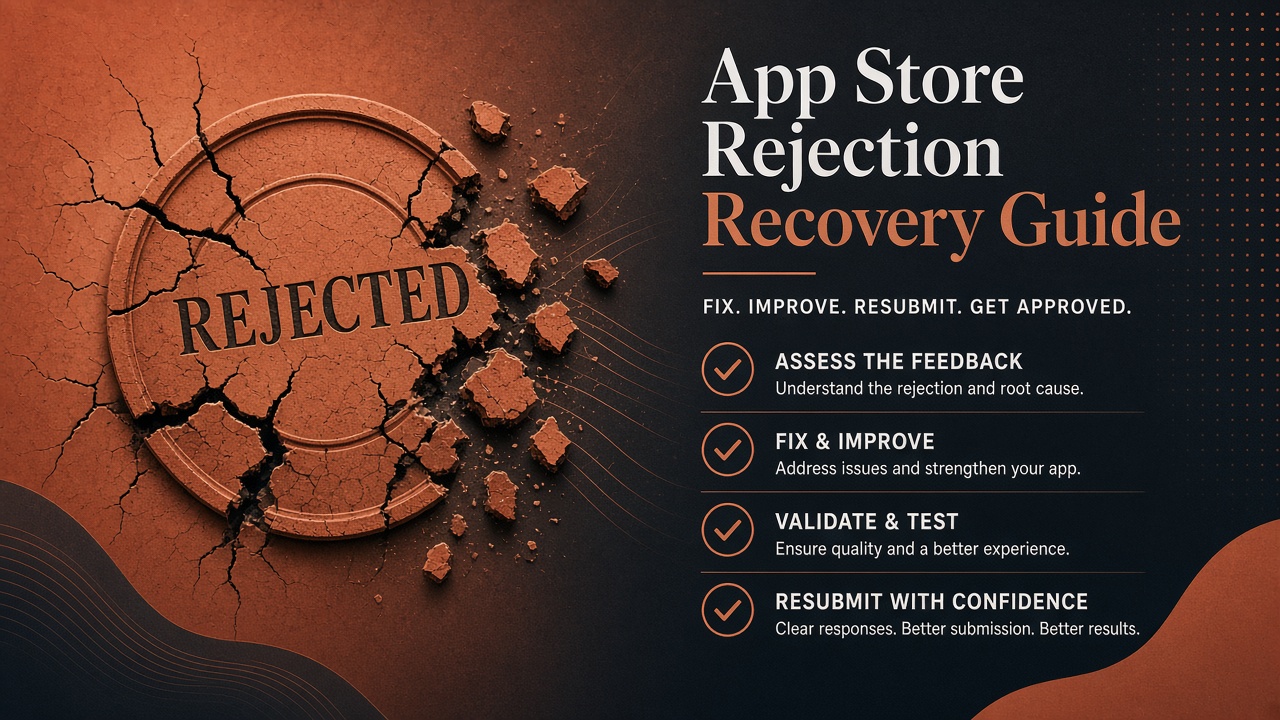
- Save full notice
- Prioritize by impact
- Split listing vs binary
- Check resubmit list
Execution sketch
archive → prioritize → listing|binary → checklist → resubmit
Related articles (internal links)
- Avoid Play deception / misrepresentation flags
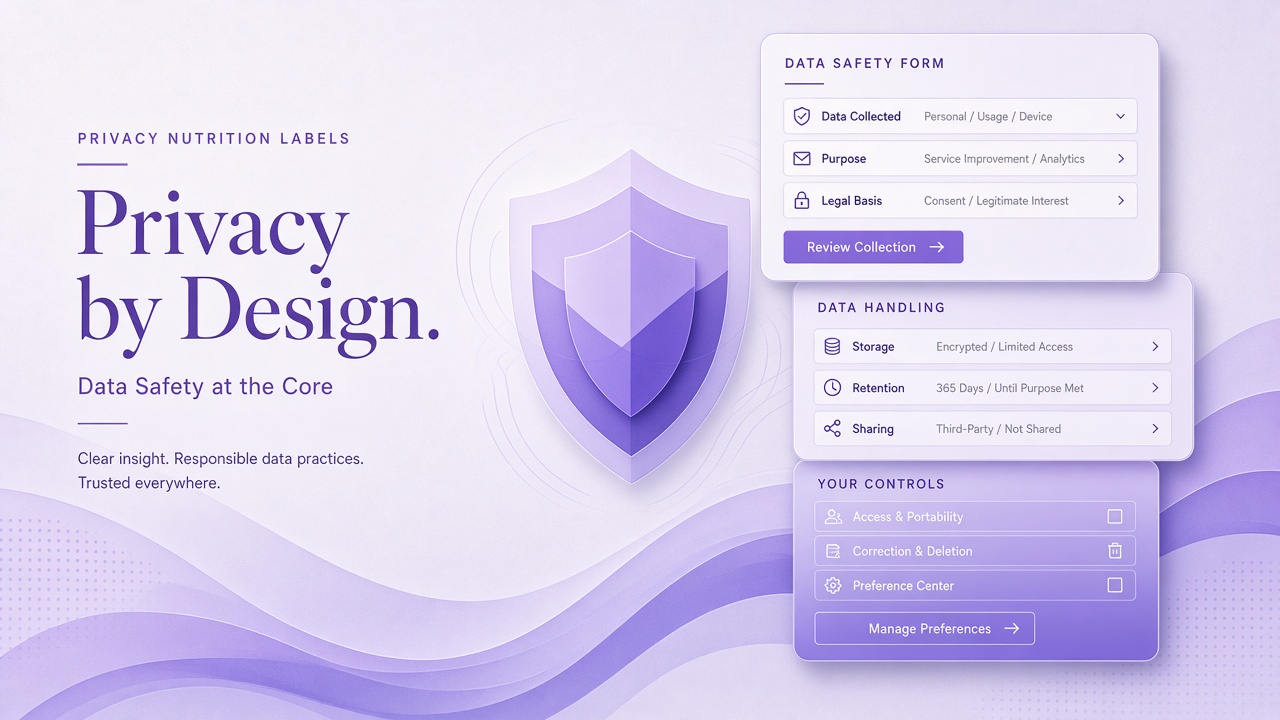
- Google Play Data Safety form walkthrough
- App Store resubmission notes template
Services & navigation
Boundaries
GOEE helps with material pre-check, form alignment, and rejection documentation. No approval promise. No passwords or signing keys. Telegram @hagee66.
Formatting tip
Treat the code block as a pre-submit scratchpad: copy it into your project notes and check items before Submit.
FAQ
Do you guarantee approval? No. Stores decide. GOEE delivers materials, configuration, and documentation work.
Do we share passwords? No. Use member invites.
How should I use related guides? Follow the internal links: checklist → specialty topic → rejection notes.